
Quick Setup
Build the page you want by dragging the four grouped actions into Stream Deck and configuring each key.
Install and restart Stream Deck
Stream Deck loads the native telemetry host with the plugin. No separate bridge or setup application is required.
Start AC EVO and enter a driving session
Live values appear when EVO exposes shared-memory telemetry. Keys intentionally show no data outside a usable session.
Drag the exact action you need
Use Telemetry for a selectable field, Tires for a four-corner overview, Lights for mode and indicator feedback, or Control Button for a mapped command.
Match control key bindings
For ignition, starter, pit limiter, or lights, use the same keyboard key in the plugin and AC EVO.
Product Views
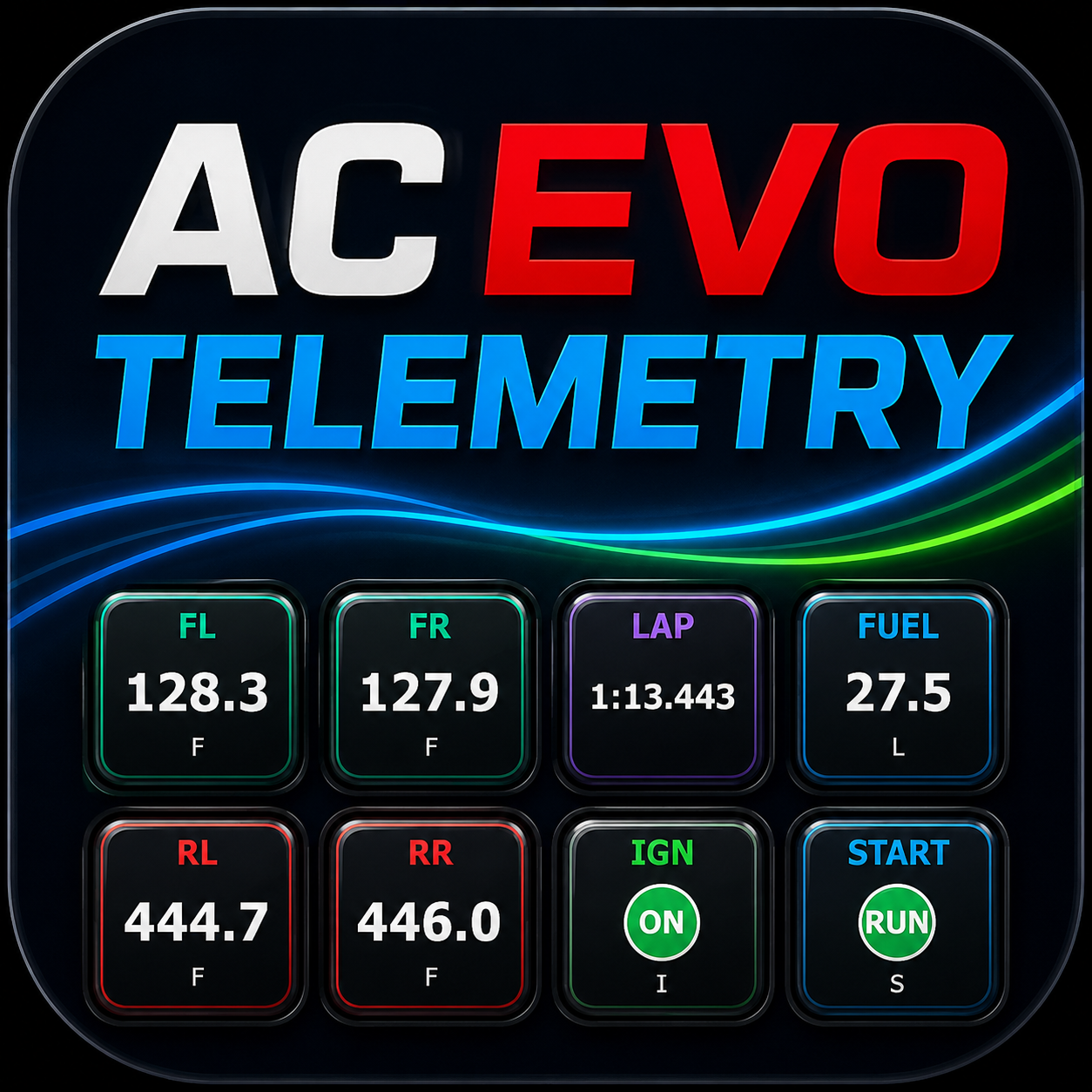
Generated racing artwork composed with exact key faces and action icons exported from the current plugin, followed by direct captures of per-key configuration.

Timing, temperatures, position, lights, and controls use exact key faces from the current plugin renderer.

Each live value pairs its thermal gradient with a readable state; tire, brake, and fluid keys use COLD through VERY HOT bands.

Telemetry, Tires, Lights, and Control Button keep the action palette focused while per-key settings provide the detail.
Per-key configuration
Choose the field and display unit for each key.
Headlamp mode and blinking indicators share one live key.
A separate mapped button shows its binding and headlamp state.
Four Clean Actions
The action list stays compact. Each grouped action exposes the useful native EVO choices in its property inspector.
Timing, lap, position, speed, gear, fuel, temperatures, brake bias, and other native fields.
SelectableFour-corner temperatures with Fahrenheit or Celsius and live thermal color feedback.
LiveCycles the configured EVO light key and displays headlamp mode plus blinking left/right indicators together.
PressIgnition, starter, pit limiter, mapped headlights, and other practical controls with live state feedback where EVO exposes it.
MappedTroubleshooting
The plugin trusts native EVO telemetry. It shows no data instead of carrying stale values or inventing unsupported states.
- Enter an active driving session before judging live values.
- Restart Stream Deck if keys remain stale after EVO is already running.
- Confirm the health endpoint reports the native host as healthy.
- Confirm telemetry values change while the car is moving.
- Match every control button to the same keyboard binding used in EVO.
Privacy
Local-only telemetry
The plugin reads AC EVO shared memory locally and exposes diagnostics only on 127.0.0.1. Driving data and settings are not sent to external servers.
Support reports
When opening an issue, share only what you choose: Stream Deck and Windows versions, EVO version, car, track, session, and relevant local diagnostics.
Something not matching the sim?
Include the action, the value EVO showed at the same moment, and your session details.